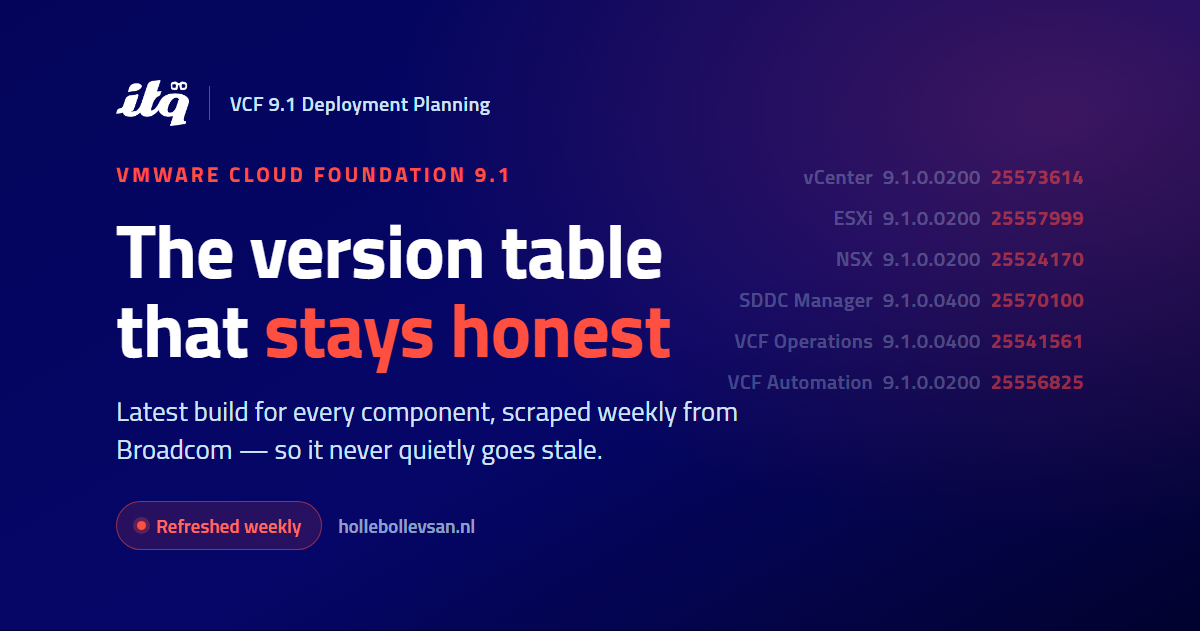
A VCF 9.1 version overview that doesn’t go stale
Here is a small, annoying truth about VMware Cloud Foundation 9.1: any version table you write down is wrong within a few weeks. In 9.1 the components no longer move as one bundle. Each one patches on its own cadence through Express Patches, asynchronously, in its own release-notes tree. So the moment you paste “the current builds” into a design doc, a runbook, or a Slack message, it starts to drift — and the person who copies it a month later has no way to know.
I kept hitting this while maintaining the VCF9-DeploymentPlanning guide, so I added a page that doesn’t go stale: a single, always-current view of the latest version and build for every VCF 9.1 component.
→ vcf-planning.hollebollevsan.nl/version-overview
Why a point-in-time table lies
Under the old model you could say “we’re on 4.5.x” and mean it across the stack. In 9.1 that sentence no longer parses. On the same day I write this, vCenter, ESXi, NSX and SDDC Manager are all on a 9.1.0.0200-era build from mid-July, while most of the Operations family sits on 9.1.0.0400, VCF Automation is on its own 9.1.0.0200, and the management-plane services (VSP, Telemetry, Identity Broker) are still at their May GA build because they have no Express Patch yet. Four different trains, four different clocks. A flat table captures one instant and then quietly rots.
So I made it refresh itself
The page is generated, not typed. A small scraper reads the source of truth for each layer and rebuilds the table on a weekly schedule:
- vCenter comes from its build-number KB.
- The core fleet — ESXi, NSX, SDDC Manager and the Operations components — comes from the Broadcom TechDocs patch-release tree.
- Each add-on (vDefend, Data Services Manager, Avi Load Balancer) is read from its own release-notes tree, because none of them share the base VCF cadence.
Every row carries its version, build number, release date, and a link straight to the release notes, so it’s a jumping-off point, not a dead end. The header shows when it last refreshed, so you always know how fresh the view is.
The details that bite
A few things the table encodes that are easy to get wrong by hand:
- Every Operations component versions on its own. Log Management, Real-Time Metrics, Orchestrator, the Salt nodes, and the lifecycle and depot services each carry their own build number — VCF Management lists them as separate components with separate versions. They happen to sit on the same
9.1.0.0400Express Patch today, but that is alignment, not a shared version: any one of them can move on its own, and the table tracks each independently. - GA rows have no Express Patch yet. Where you see a “GA” build (the VSP runtime, Telemetry, Identity Broker), that’s the general-availability build because nothing newer has shipped — not an oversight.
- Avi publishes no build number. NSX ALB versions as
32.1.2with no build, so its Build column honestly shows “N/A” rather than a guessed value.
One caveat, on purpose
This is a planning aid, not an authority. Patch cadence in 9.1 is high and the components move independently, so always confirm with Broadcom before you advise or pin a specific build. What the page buys you is a single honest “what’s current” glance while you’re planning — instead of four browser tabs and a table that was already out of date when you copied it.
It lives alongside the rest of the deployment-planning material at vcf-planning.hollebollevsan.nl. If a component moves and the page hasn’t caught up, that’s a bug — tell me.